TapGuide / Steps recorder for Android
A steps recorder for Android
Windows had Steps Recorder: press Record, click through a problem, and get every click with a screenshot and a description. Android never had one. TapGuide works the same way for taps on your phone.
What a steps recorder does
Steps Recorder (psr.exe, also called Problem Steps Recorder) saved each click with a screenshot and a line of text, so a support team could see exactly what someone did. Microsoft has marked it as deprecated in Windows 11, and it never existed for phones.
On Android, people usually fall back on a screen recording video. Videos are hard to skim, can’t be edited step by step, and show everything on screen, including what you’d rather not share.
How TapGuide records steps
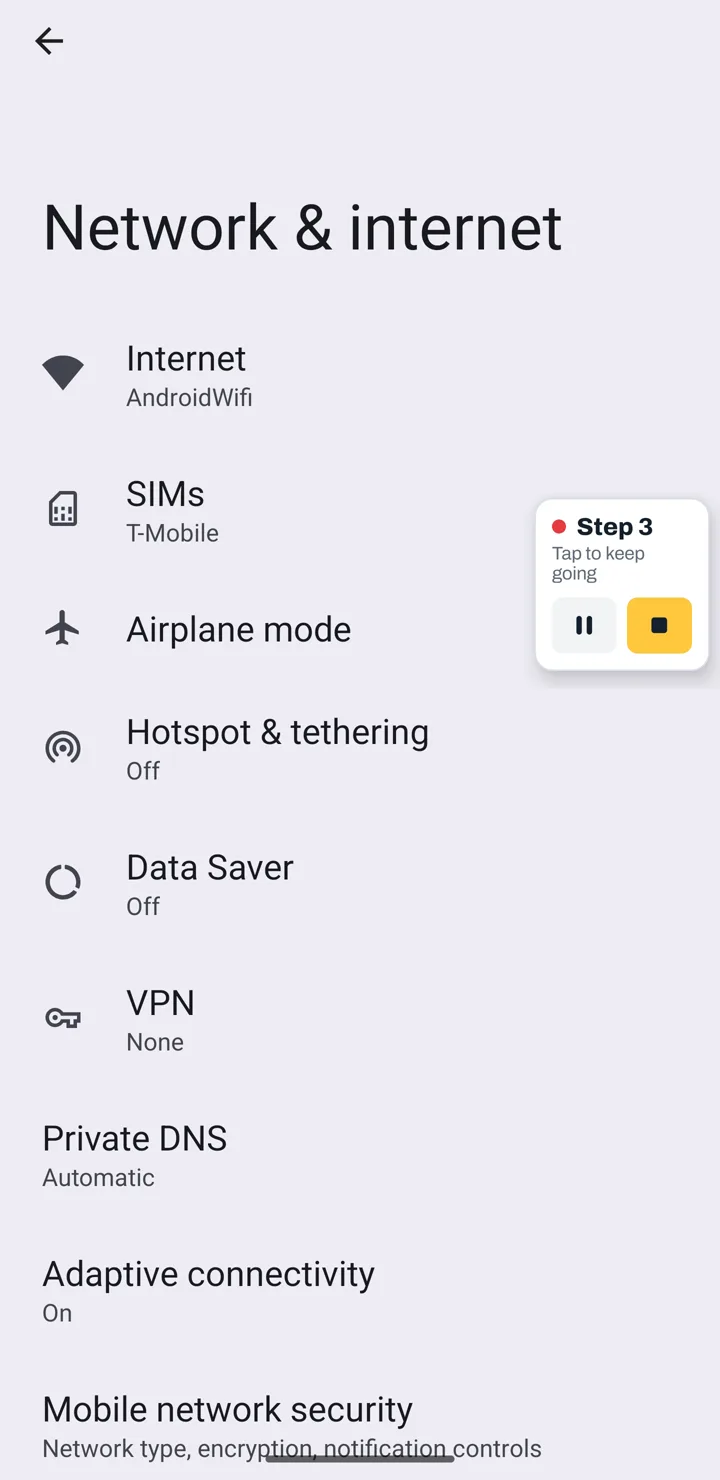
- Press Record in TapGuide.
- Reproduce the task or the problem in any app.
- Press Stop.
For each tap you get a screenshot from just before the tap, the tapped button highlighted, and a written step like “Tap Save on the Edit contact screen”. Typing into a field becomes a step with the field’s name. What you typed is never stored.
What people use it for
- Bug reports. Attach the exact steps to reproduce, with a screenshot of each one, instead of “it crashed somewhere in checkout”.
- Support tickets. Ask a customer to record what they did, or record the fix and send it back.
- IT and helpdesk. Document device setup, VPN or email configuration, and app permissions once.
- Testing and QA. Keep a record of a test run on a real device.
Screen recording vs TapGuide
| Screen recording | TapGuide | |
|---|---|---|
| Output | A video | Numbered steps with screenshots |
| Skim to step 7 | Scrub the timeline | Scroll to step 7 |
| Edit | Video editor | Reword, reorder, merge or delete steps |
| Hide private details | Hard | Blur, burned into every export |
| Paste into a ticket or wiki | Upload the file | PDF, Markdown or HTML |
Before you record
TapGuide needs two permissions: the Accessibility service, to know which button you tapped and what it is called, and screen capture, to take the screenshot for each step. It uses both only while you are recording, and it has no internet access, so nothing is sent anywhere.
Try it on your next task
TapGuide is free on Android 8.0 and later. No account, no internet access.
Get it on Google Play